
Real Artists. Real Memories.
A lot of families assume emotional photo editing is mostly about Photoshop skill. In reality, a good memorial portrait starts much earlier than that — with choosing the right photos in the first place.
A family recently came to us wanting a heavenly portrait between a late grandfather and his newborn granddaughter. Emotionally, it was a beautiful idea. Technically, there was a snag — the grandfather’s photo was taken from a side angle in dim indoor lighting, while the baby’s photo was shot outdoors in bright sun. The family worried it would never look natural together.
After guiding them through better photo selection and restoring the original images carefully, we were able to build one portrait that looked like both generations had actually been photographed in the same room. That’s really why photo selection matters more than most people expect before editing ever starts.
In This Article
Why Photo Selection Matters More Than People Realize
Interactive Before & After Comparison
Drag the center slider to inspect real handcrafted editing details
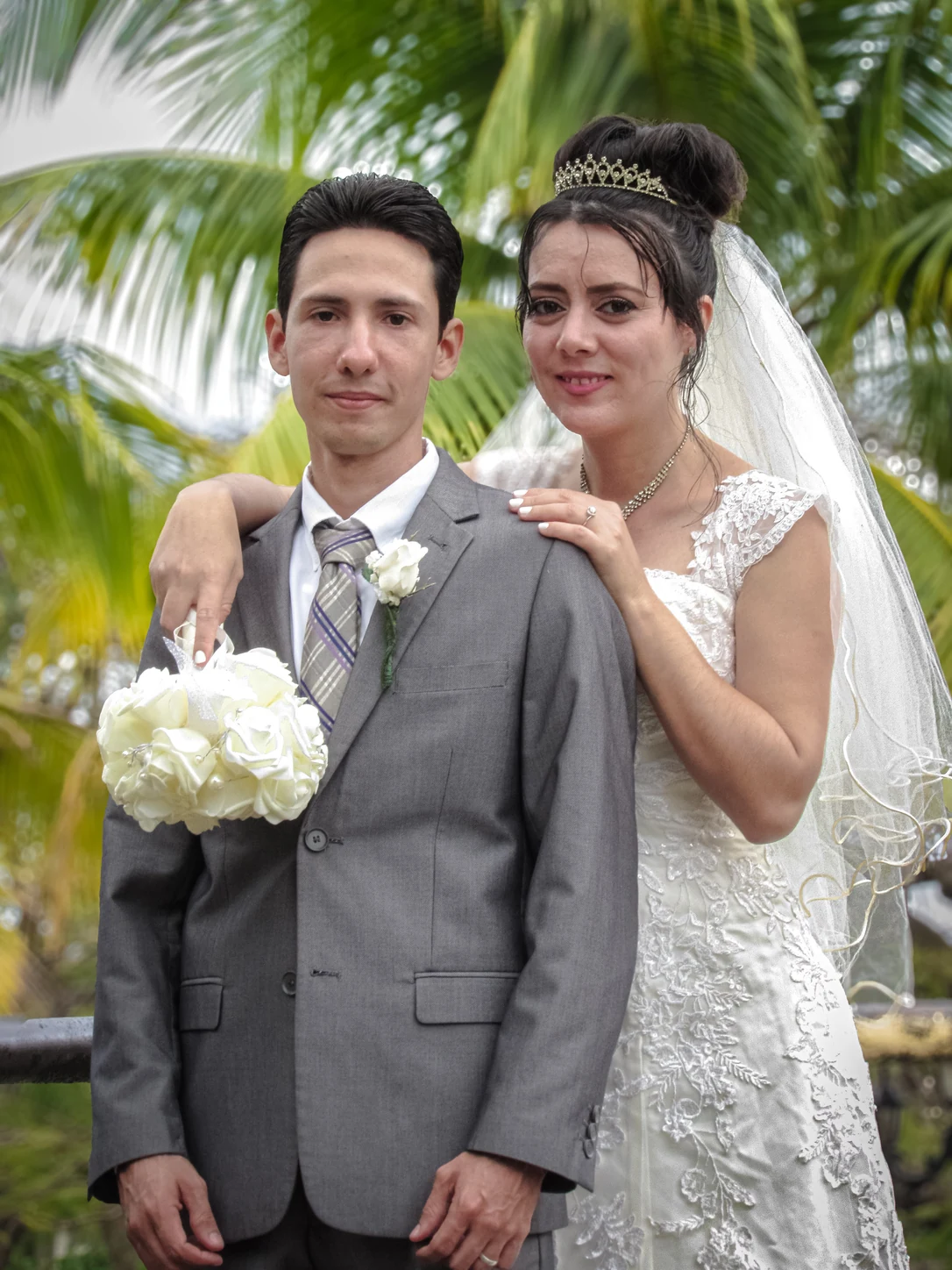
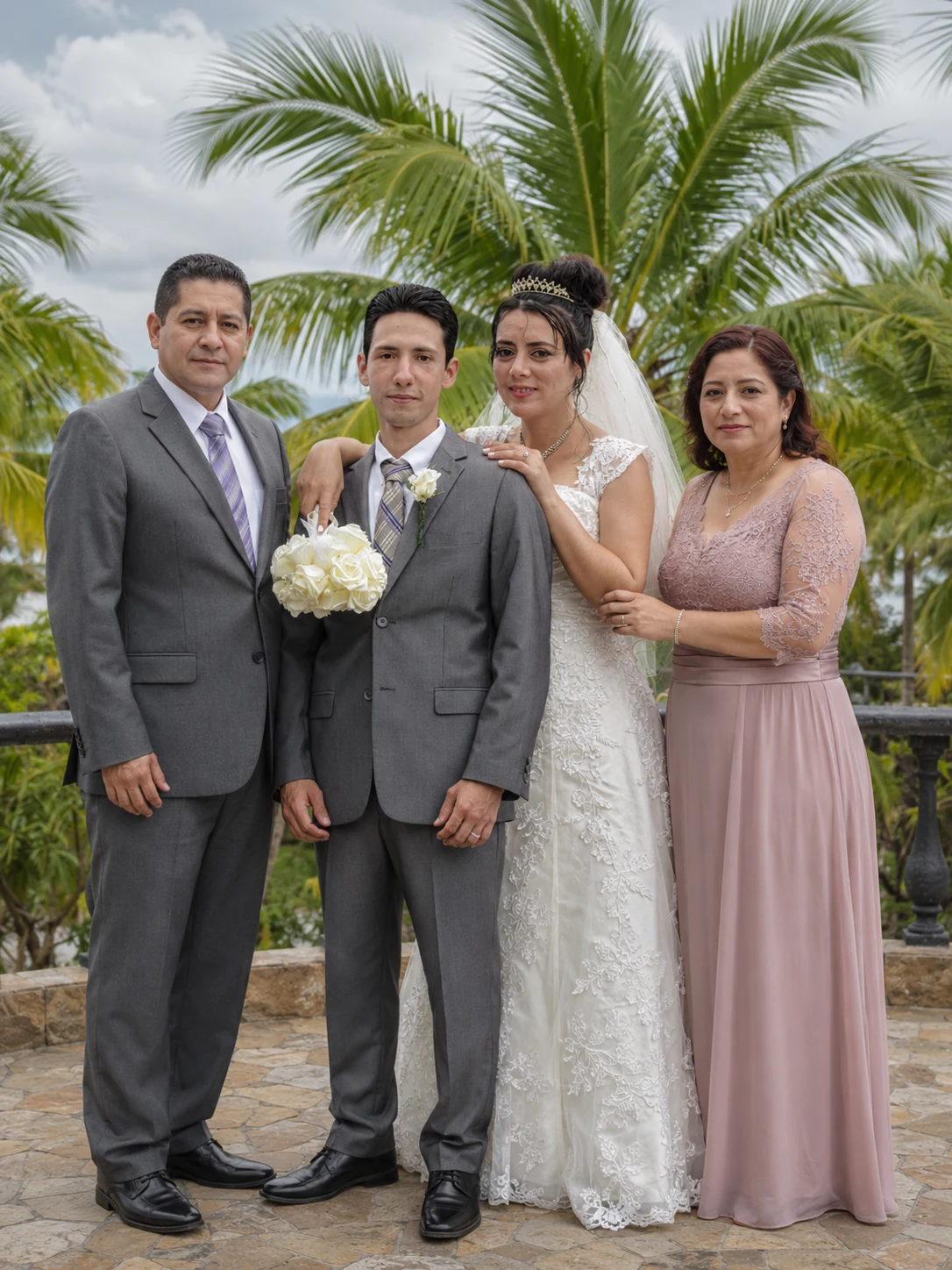
Quick answer: The best photos for a heavenly portrait merge use similar camera angles, similar lighting direction, and high resolution. Artists can restore many damaged photos, but clear, front-facing images with balanced lighting usually give the most natural, believable result.
Many customers assume an artist can fix any photo problem automatically. Experienced artists can restore and improve a lot — but the original photo quality still shapes how realistic the final portrait ends up looking.
A good source photo helps with natural facial positioning, realistic shadow, smooth lighting, accurate skin tone, and cleaner print quality. Even the emotional side of a portrait comes through stronger when the technical foundation is solid.
How to Choose Photos for a Heavenly Portrait Merge
Choosing the right photos is one of the most important steps in getting a realistic result. Families often send us plenty of emotional pictures — but not every one works well technically for a portrait merge. Here’s what actually helps.
Choose Front-Facing or Slightly Angled Faces
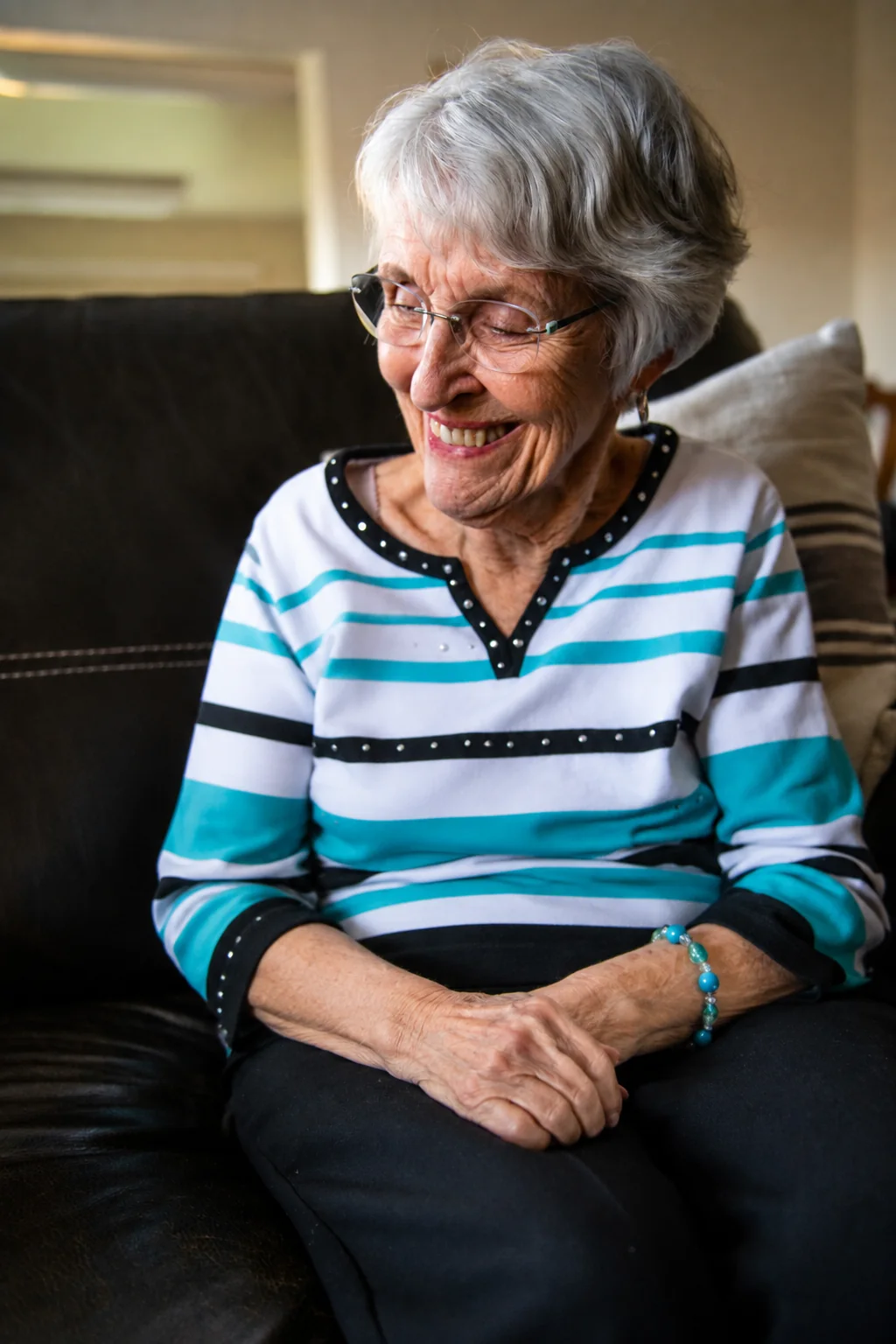
Front-facing portraits usually blend the most naturally, because facial features line up more easily during editing. Very extreme side angles can cause unnatural neck positioning, uneven shadow, and awkward eye direction.
The best angle range is usually straight-on, or a slight 15–30 degree turn, at roughly eye level.
Use Similar Lighting Whenever You Can
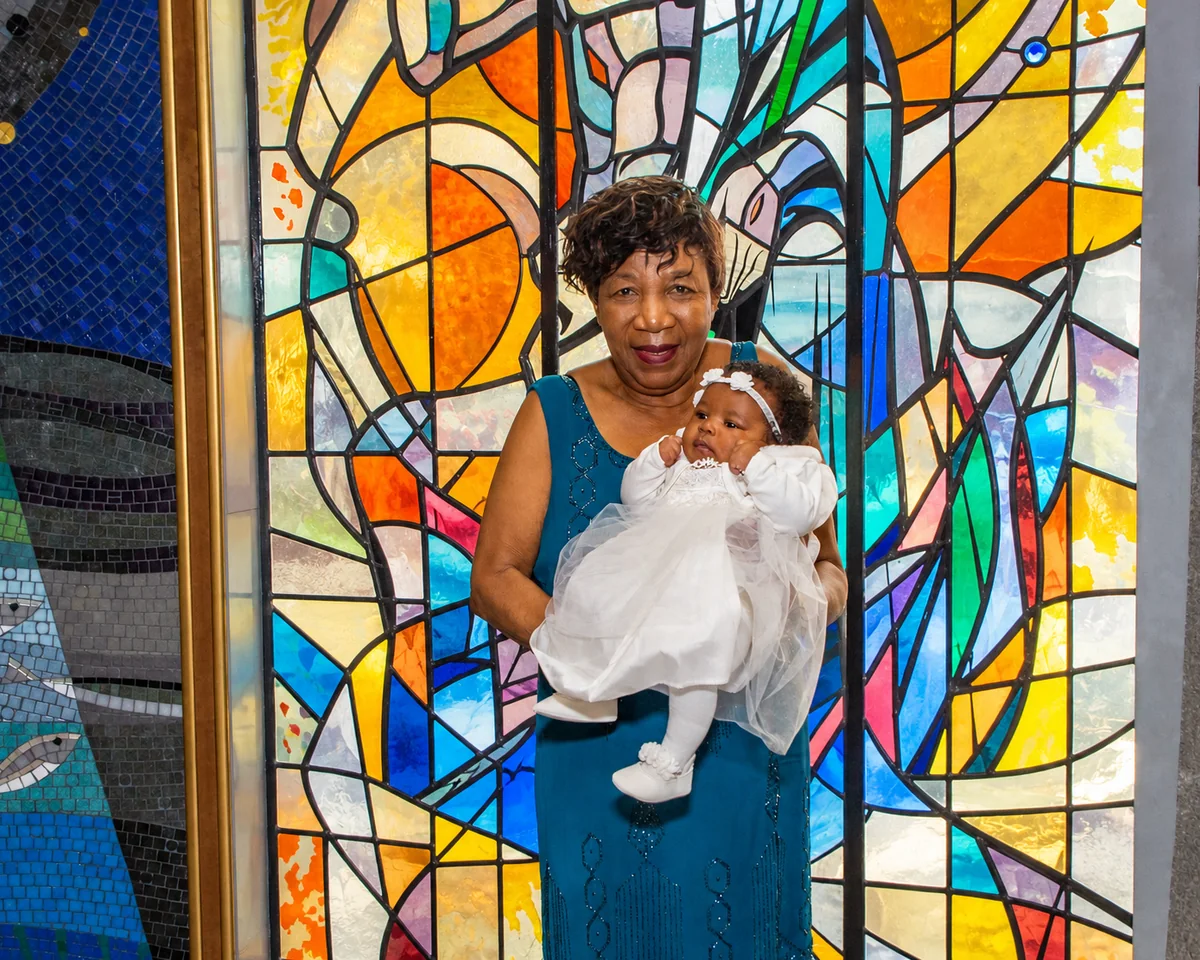
Lighting is probably the single biggest factor in how realistic the final merge looks. If one person is photographed in bright sun and another indoors in dim light, the merge can feel off unless it’s carefully corrected.
Our artists look for matching shadow direction, similar brightness, balanced skin tone, and soft, natural highlights. When the lighting feels consistent, the whole portrait automatically reads as more real.
Avoid Heavy Filters and Social Media Effects
A lot of modern phone photos use beauty filters or automatic blur that quietly reduces editing quality — removing facial detail, distorting texture, and creating lighting inconsistencies. Wherever possible, send the original, unfiltered image.
Why Resolution and File Quality Matter for Printed Portraits
Most customers think about how a photo looks on a phone screen, but memorial portraits are often printed — as canvas art, framed wall portraits, or large family displays. That makes resolution genuinely important.
Understanding 300 DPI Print-Ready Files
Professional printing needs a high-quality file to stay sharp at a larger size. A proper 300 DPI file helps keep facial detail clear, textures smooth, and backgrounds clean — even when printed large for a wall. A photo that looks fine on a phone can turn out blurry once it’s enlarged for print.
Can Old or Damaged Photos Still Be Used?
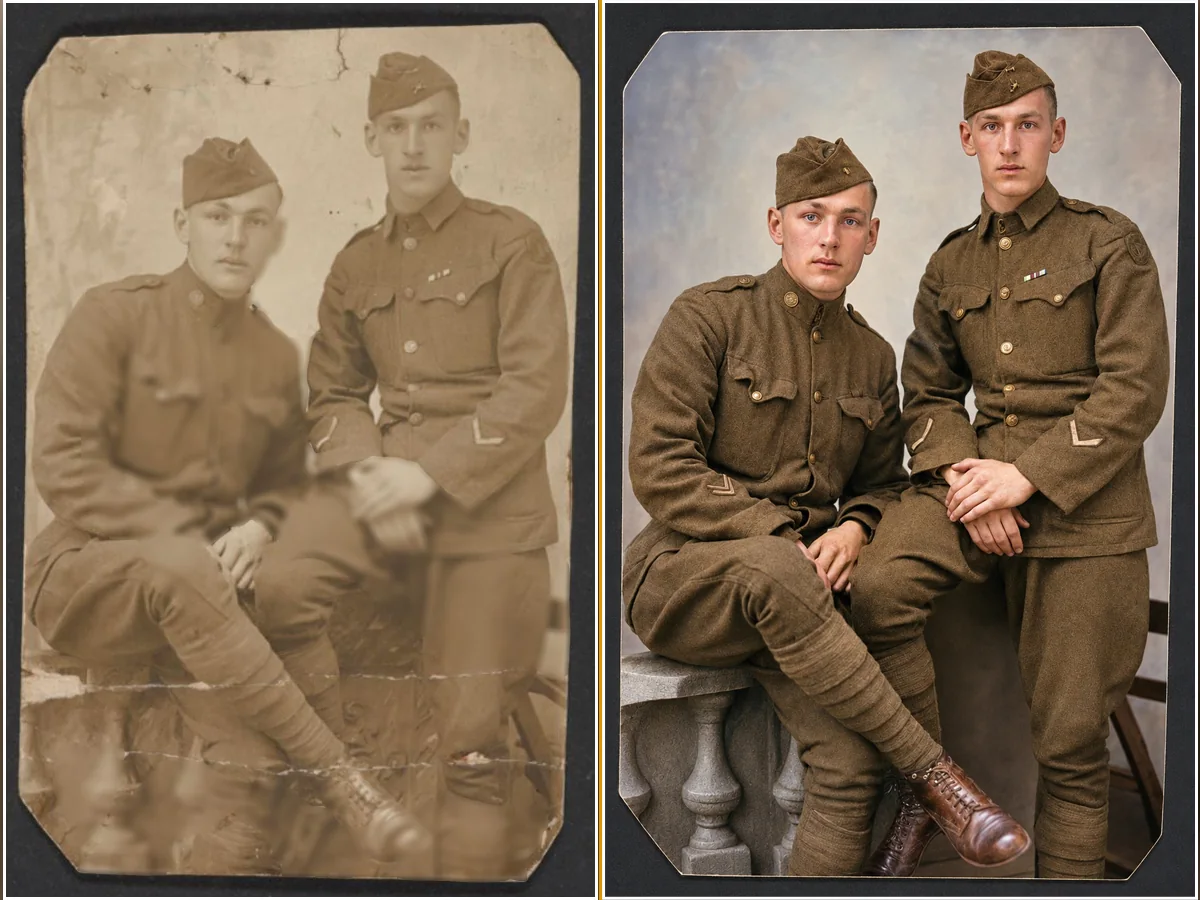
Yes — in a lot of cases, more than people expect. Families often worry because their old photo has scratches, faded color, blur, torn edges, or dust marks. Skilled restoration can usually improve most of these issues carefully, without losing what made the original photo feel real.
The goal of good restoration is never to make a photo look artificial. It’s to respectfully bring back what’s already there.
Why Human Artists Still Matter More Than Automatic AI Tools
Plenty of AI apps now claim to repair old photos and build a memorial portrait within seconds. But a real family portrait needs more than automatic editing — AI tools regularly struggle with shadow balance, accurate face positioning, and natural lighting correction.
Human artists study every detail carefully, because a memory like this deserves personal attention, not rushed automation.
Need help choosing the right photos for your memorial portrait? Our artists can review your images before editing and guide you toward the best result — for Heavenly Family Portraits, Add a Person to a Family Photo, Military Memorial Portraits, or Pet Memorial Artwork.
Common Mistakes to Avoid
Sending screenshots instead of original photos. Screenshots noticeably reduce quality and often create a blurry final print.
Cropping faces too closely. Leaving a little natural space around the head and shoulders helps artists blend the portrait more realistically.
Using photos with very different angles. Big differences in camera angle make a realistic merge much harder.
Uploading heavily compressed images. Compressed social media photos often lose the facial detail needed for realistic editing.
Good Source Photos vs. Poor Source Photos
| Feature | Good Source Photos | Poor Source Photos |
|---|---|---|
| Lighting | Balanced and natural | Harsh or dark |
| Resolution | High resolution | Blurry or pixelated |
| Face angle | Front-facing | Extreme side angles |
| Image quality | Original file | Screenshot or compressed |
| Print readiness | Sharp at large sizes | Blurry when enlarged |
| Editing flexibility | High | Limited |
Frequently Asked Questions
Memorial Photo Editing
Look for clear facial detail, natural lighting, a front-facing angle, and good resolution.
Front-facing or a slight 15–30 degree angle usually gives the most realistic result.
Yes. Professional lighting correction helps balance shadow, skin tone, and brightness for a more natural-looking portrait.
They help ensure sharp, professional print quality for canvas art, memorial frames, and large wall portraits.
Improving clarity carefully while preserving realistic texture, emotional authenticity, and natural facial detail — never over-editing.
Beautiful Portraits Begin With the Right Photos
Every memorial portrait starts with a story, but strong technical photo selection is what helps that story come through naturally. The right angle, lighting, and image quality let an artist build something that feels realistic and genuinely emotional — not just technically “fixed.”
When a memory like this is handled carefully by an experienced human artist, the final result becomes more than a photo merge. It becomes a timeless keepsake, made with real respect and care.
Related Emotional Restoration Services
Add a Person to a Family Photo — See how our artists naturally combine separate photos into one realistic family portrait. ➡ Add a Person to a Family Photo
Heavenly Grandparent Memory Art — Bring a late grandparent into a newborn’s photo, done by hand. ➡ Heavenly Grandparent Memory Art
Pet Memorial Portrait — Add a beloved pet back into your family portrait. ➡ Pet Memorial Portrait
? Not Sure Which Photos to Send?
If you’re unsure which photos will give the best result, our artists can review your images first and guide you toward the most realistic outcome.
➡ Get a Free Photo Review at LuxuryGifts.co
Navi
Photo Restoration Artist
About the Author
Crafted With Experience & Care
Navi — Photo Restoration & Portrait Artist
I’m Navi a photo restoration and digital portrait artist with 12+ years of hands-on experience in Photoshop restoration and digital portrait editing.
I personally work on each project with care and close attention to detail. From restoring treasured old photographs to creating meaningful memorial and generational portraits, every image is carefully edited to achieve a natural, respectful, and polished result.
No rushed one-click edits. No generic shortcuts. Just careful craftsmanship created around your photo and your memory.

Don’t Let Your Memories
Stay Incomplete
Some moments feel unfinished when someone special is missing. We help you bring them back with care, emotion, and real human artistry. Handcrafted with respect and personal attention.
 12+ Years Creative Experience
 Human-Led Editing
 High-Resolution Results
Each portrait is handcrafted with personal attention to detail — unlimited revisions until you are completely delighted.
Related Restoration Stories & Guides
Explore more real family restoration stories, memorial art inspiration, and preservation guides
 Guides & Tips7 min read
AI Restoration vs Human Restoration: The Night a Daughter Realized Technology Could Not Bring Her Father Back
Real Artists. Real Memories. The story below is an illustrative, composite scenario based on the kind of request...
 Guides & Tips8 min read
Our Story: Why We Restore Memories With Human Hands, Not Just Technology
Real Artists. Real Memories. Every photograph that arrives at LuxuryGifts.co carries a little more than pixels. It’s a...